
The best free AI tools help you complete useful work within the limits of their ongoing free plans. Short answer: ChatGPT is the best free AI tool for general work, Perplexity and NotebookLM form the strongest no-cost research combination, Canva is the best free visual workspace, MeetGeek is the most generous free meeting assistant in this guide, and GitHub Copilot is the clearest free choice for developers. The smartest approach is not to force one tool to do everything—it is to combine two or three free plans around a repeatable workflow.
You can do meaningful professional work with AI without paying a subscription. A free toolkit can research a topic, summarize your own documents, draft and edit a report, turn it into a presentation, capture a meeting, help repair code, and produce a short voiceover. The catch is that “free” rarely means unlimited access to every model and feature.
This guide focuses on products with a genuine ongoing free plan, not a seven-day trial. We assessed what a working professional can complete before hitting a limit, how predictable that limit is, whether the free output can be exported, and which paid restrictions matter in real work.
Plan details and limits were checked on August 25, 2026. AI companies change quotas, models, and regional availability frequently. Treat the figures below as a verified snapshot and check the linked official plan page before building a critical workflow around any allowance.
Best free AI tools for work: quick comparison
| Tool | Best free use | Useful free allowance | The catch |
|---|---|---|---|
| ChatGPT | General assistant | Everyday chat plus limited advanced tools | Files, images, voice, and analysis have separate limits |
| Claude | Writing and document analysis | Core chat, web search, text and image analysis | Usage can pause during a long working session |
| Perplexity | Web research | Practically unlimited basic searches | Only 3 Pro Searches per day and 1 Research query per month |
| NotebookLM | Researching your own sources | 100 notebooks and 50 sources per notebook | It answers from selected material, not the whole open web |
| Google Gemini | Google-centered work | General chat, files, research, and creative tools | Compute-based limits can change with demand |
| Microsoft Copilot | Free AI on web, Windows, and Edge | No-cost conversational assistant and image features | Deep Word, Excel, Outlook, and Teams integration is paid |
| Canva AI | Designs and presentations | Large free library plus a monthly AI allowance | Premium assets and advanced editing remain locked |
| Grammarly | Editing workplace writing | Core corrections, tone view, and 100 AI prompts monthly | Full-sentence rewrites and advanced suggestions are paid |
| MeetGeek | Occasional meeting notes | 3 transcription hours per month and unlimited summaries | Free transcripts and audio have limited retention |
| GitHub Copilot | AI-assisted coding | 2,000 completions and 50 chat requests monthly | Not enough for an all-day AI coding workflow |
| ElevenLabs | Voiceovers and transcription | 10,000 shared credits per month | Free output does not include a commercial license |
What free AI tools actually include
Free AI products use several different kinds of limit. Understanding the difference prevents you from choosing a tool that looks generous but stops halfway through an important job.
- Rate-limited access: You can keep using the product, but its strongest model or tool pauses after heavy use. ChatGPT, Claude, and Gemini commonly work this way.
- Monthly quotas: You receive a known number of minutes, prompts, credits, or code completions. MeetGeek, Grammarly, GitHub Copilot, Canva, and ElevenLabs are easier to budget because the unit is visible.
- Feature gates: The core product is free, while premium exports, integrations, governance, or commercial rights require payment.
- One-time credits: These feel like a free plan but do not replenish. We did not count a product as a strong ongoing recommendation when its useful AI allowance was only a welcome balance.
A free plan is best judged by a completed outcome. “Can it produce a client-ready brief every week?” is more useful than “Does it include an advanced model?” Our rankings therefore favor repeatable work over the longest feature list.
The 11 best free AI tools for work in 2026
1. ChatGPT — best free AI tool for general work
 ChatGPTBest free general work assistantView tool details →
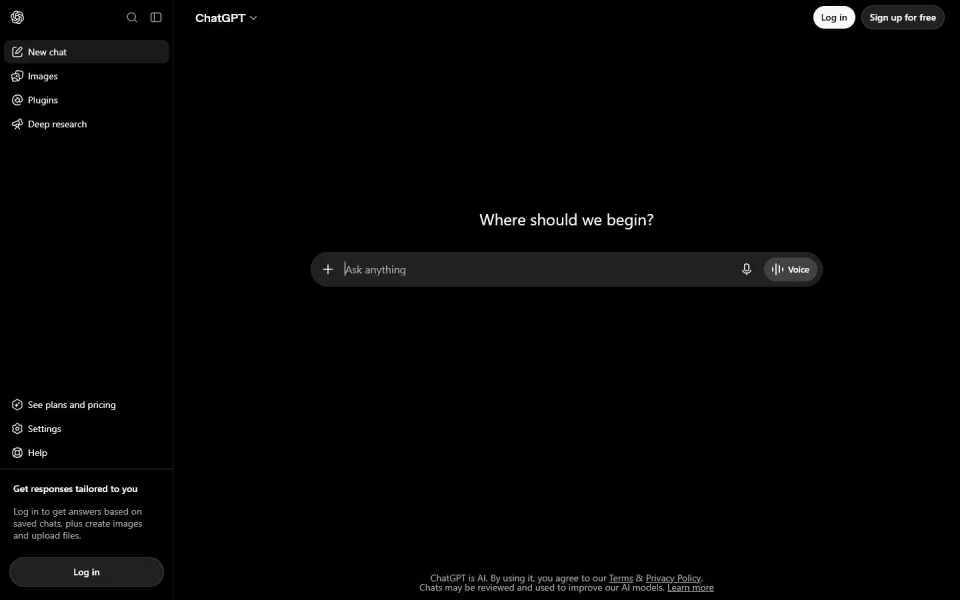
ChatGPT is the easiest free starting point because it can move between many kinds of work without changing apps. You can brainstorm, draft emails, summarize information, search the web, upload a file or image, analyze data, and create a limited number of images. OpenAI’s current Free Tier FAQ says everyday text chats are unlimited subject to abuse-prevention safeguards, while advanced tools have their own limits.
What you can do for free: create first drafts, turn notes into an action plan, explain a spreadsheet, research recent information with web search, extract details from a document, and use existing GPTs. The free plan is more than a demo; it can support routine office work every day.
Where the wall appears: file uploads, data analysis, image creation, voice, and GPT usage can each stop before text chat does. Free personal accounts can use existing GPTs but cannot create and publish a new GPT. Do not wait until the final hour of a deadline to discover that a tool-specific quota needs time to reset.
Free-plan verdict: the strongest single account to open first. Add a specialist tool only when you need citations, source-grounded research, design, meetings, or coding. See OpenAI’s current Free Tier FAQ.
2. Claude — best free tool for writing and careful analysis
 ClaudeBest for writing and careful analysisView tool details →
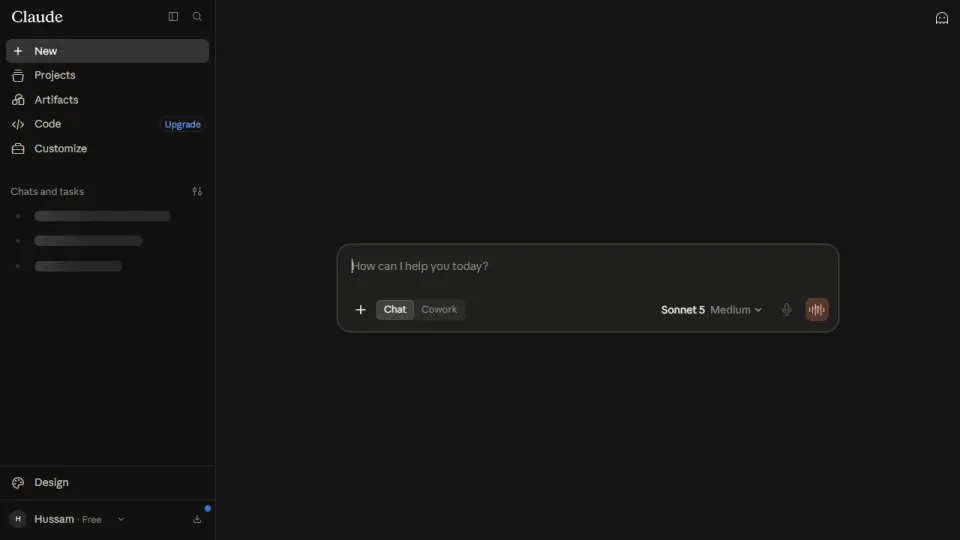
Claude is our preferred free companion for work where clarity and structure matter more than a large collection of modes. The free plan can write and edit content, analyze text and images, generate code, visualize data, and search the web. Its conversational style works particularly well for reshaping an awkward draft without flattening its meaning.
What you can do for free: turn an interview transcript into a coherent article, compare two policies, simplify technical language, critique an argument, outline a report, or ask for three revisions with different audiences in mind. A good workflow is to give Claude a clear objective, the source material, the constraints, and an example of the desired tone.
Where the wall appears: However, Anthropic describes Free as limited and intended for occasional use. The exact number of messages depends on demand and the work’s size, so a long document session can end earlier than a short-chat session. Pro adds more capacity, more models, Research, unlimited Projects, Claude Code, and connectors.
Free-plan verdict: excellent for a few important writing or reasoning sessions each day, but less predictable than a fixed monthly allowance. Compare Claude’s official plans.
3. Perplexity — best free tool for fast web research

 PerplexityBest for web research with sourcesView tool details →
Perplexity is the best free research starting point when you need to see where an answer came from. Its Standard plan provides practically unlimited basic searches, automatically chooses the model, and places citations beside the response. Current official limits list three Pro Searches per day, one Research query per month, and limited file uploads.
What you can do for free: map an unfamiliar market, identify primary sources, compare recent product announcements, collect definitions, and build a reading list. Use a basic search for discovery, then spend a Pro Search only when the question needs deeper synthesis. Open every important citation and read the supporting passage before repeating the claim.
Where the wall appears: free users cannot manually choose premium models or generate images, and deep Research is highly restricted. Citations improve auditability but do not guarantee that the summary interpreted the source correctly.
Free-plan verdict: the highest-value free tool in this list for current, source-backed discovery. Pair it with NotebookLM when you have finished collecting the material. See Perplexity’s official plan comparison.
4. NotebookLM — best free tool for understanding your own sources
 NotebookLMBest for research grounded in your sourcesView tool details →
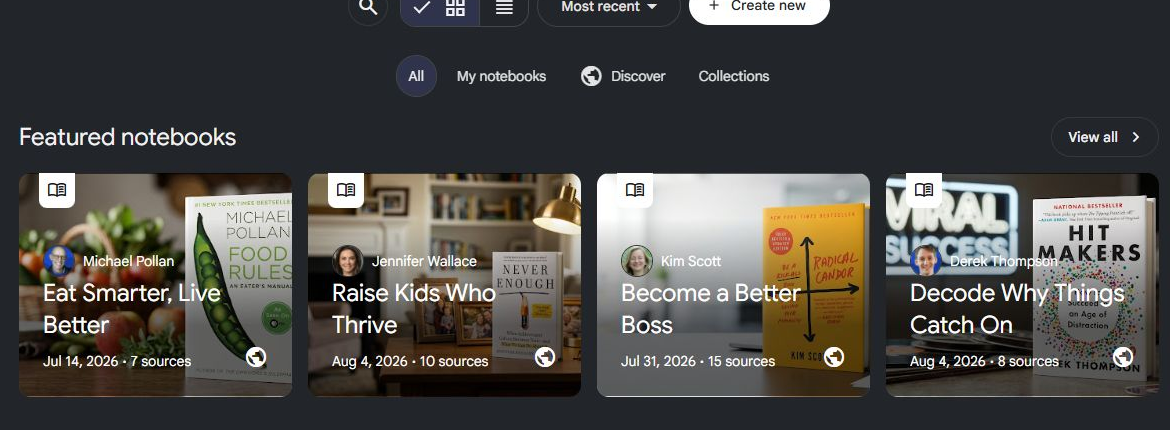
NotebookLM solves a different research problem from Perplexity. Instead of searching the open web, it works from the files, web pages, videos, and text you select. That makes it especially useful for a project folder, course, policy review, customer-research set, or collection of reports where every answer should remain tied to known evidence.
What you can do for free: Google’s current Standard limits include 100 notebooks, 50 sources in each notebook, 50 chat queries per day, and three Audio Overviews and three Video Overviews per day. Supported sources include PDF, DOCX, TXT, Markdown, CSV, PowerPoint, public YouTube URLs, web pages, and more. An individual source can contain up to 500,000 words or be up to 200 MB.
Where the wall appears: a notebook can only be as complete as the sources you add. It is not an automatic fact-checker for missing evidence, and generated audio should not replace reading a crucial contract, study, or policy yourself.
Free-plan verdict: one of the most generous free research products available. Use Perplexity to find material and NotebookLM to interrogate the final source set. Check NotebookLM limits.
5. Google Gemini — best free assistant for Google users

 Google GeminiBest for Google-centered workView tool details →
Gemini is a natural free choice when your information already lives in Google’s ecosystem. It can handle general conversation, web-grounded questions, files, images, creative tasks, and—in supported accounts and regions—connections to Google apps. Its biggest advantage is reducing the number of times you copy information between services.
What you can do for free: summarize a document, explore a topic, draft material for Docs, reason over uploaded content, and create useful first versions of images or structured plans. It is also a convenient doorway into NotebookLM and Google’s wider set of AI products.
Where the wall appears: Even so, Google now describes Gemini limits as compute-based. They depend on prompt complexity, model, feature, chat length, demand, and a combination of five-hour and weekly allowances. Some compute-heavy features may become unavailable to free users during high demand. This is more honest than quoting a fixed prompt count that could be wrong tomorrow, but it makes capacity difficult to plan.
Free-plan verdict: a capable daily assistant for Google users; keep a second general chatbot available if a model or feature reaches its temporary limit. Read Google’s current usage-limit guide.
6. Microsoft Copilot — best free assistant for Windows and Edge

 Microsoft CopilotBest free assistant for Windows and EdgeView tool details →
For Windows and Edge users, Microsoft Copilot is available at no cost on copilot.com, in the Copilot apps for Windows, macOS, iOS, and Android, and through Microsoft Edge. That accessibility makes it a practical secondary assistant for quick questions, ideation, web tasks, image creation, and help related to what you are doing on a Microsoft device.
What you can do for free: draft and summarize text, ask current questions, organize an idea, create or edit a limited number of images, and use conversational assistance without buying Microsoft 365. It is convenient when Copilot is already one click away in your browser or operating system.
Where the wall appears: the free Copilot chat should not be confused with full Copilot inside Word, Excel, PowerPoint, Outlook, or Teams. Those deeper experiences depend on an eligible Microsoft 365 plan and account. Microsoft also changes usage priority and allowances across consumer subscriptions.
Free-plan verdict: worthwhile for Windows and Edge users, but choose it for convenience—not because the free tier replaces paid Microsoft 365 integration. Compare Microsoft Copilot experiences.
7. Canva AI — best free tool for designs and presentations
 Canva AIBest for designs and presentationsView tool details →
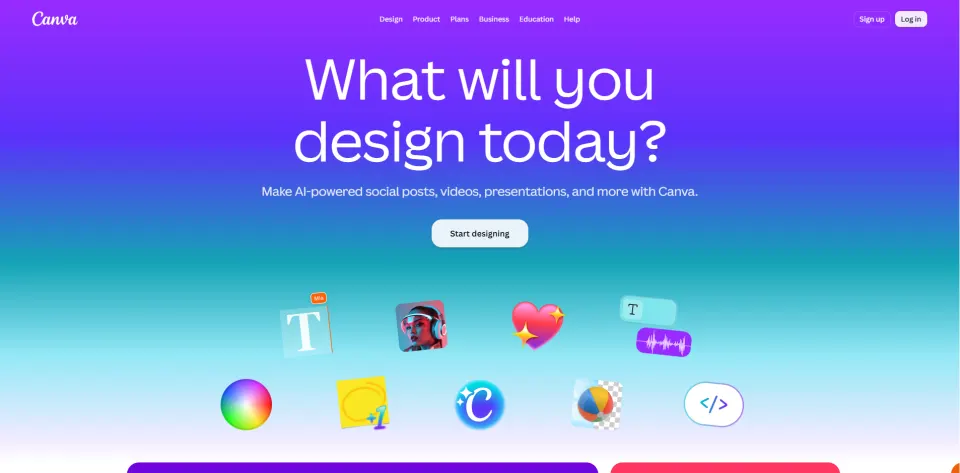
For visual work, Canva AI turns a text-first AI workflow into something colleagues and clients can see. The Free plan includes the drag-and-drop editor, more than 1.6 million templates, more than 4.7 million free photos, videos, graphics, and audio assets, and 5 GB of cloud storage. Its AI allowance currently supports up to 200 uses of Standard AI tools or up to 20 Premium AI uses per month; mixed or complex tasks can consume the shared pool differently.
What you can do for free: build a presentation, social post, one-page document, whiteboard, simple video, or visual proposal; generate initial copy or design elements; collaborate; and export common formats. Start with content that is already organized, then use AI for layout exploration rather than expecting one prompt to create the final deliverable.
Where the wall appears: That said, Pro templates and stock elements can require payment or replacement before download. Background removal, resizing, premium content, larger brand controls, and higher AI usage are paid advantages.
Free-plan verdict: the best no-cost bridge from idea to presentable visual output. Watch for the crown or Pro label when selecting assets. Review Canva’s official Free allowance.
8. Grammarly — best free tool for polishing workplace writing

 GrammarlyBest for polishing workplace writingView tool details →
Grammarly is more useful as the final quality-control layer than as the tool that invents your whole document. Its Free plan checks essential spelling and grammar, shows tone, and currently includes 100 generative AI prompts per month. Because it works across common writing surfaces, it catches mistakes at the point where an email, proposal, or post is actually being sent.
What you can do for free: clean up routine email, catch typos, check whether a message sounds confident or abrupt, and use the monthly prompt allowance for targeted generation. Save those prompts for high-value changes such as “make this shorter without losing the deadline and action owner,” not for fixing punctuation that the basic checker already handles.
Where the wall appears: full-sentence rewrites, broader tone adjustment, fluency suggestions, plagiarism and AI-text detection, and a much larger prompt allowance sit in Pro. Even on paid plans, automated edits can change meaning; review every contractual, financial, or sensitive sentence.
Free-plan verdict: a dependable last pass for anyone who writes in English at work. Compare Grammarly plans.
9. MeetGeek — best free AI meeting assistant
 MeetGeekBest free meeting assistantView tool details →
MeetGeek offers the most useful free meeting package in this guide for someone with a few important calls each month. Its Basic plan is free forever and includes three transcription hours per month, a two-hour per-meeting limit, recording for Zoom, Google Meet, Microsoft Teams and other platforms, transcription in more than 100 languages, and unlimited AI summaries.
What you can do for free: capture a weekly team meeting plus several short interviews, generate summaries and action items, search conversations with AI Chat, upload recordings, and use meeting analytics. No-bot recording through its browser and desktop options is useful when a visible meeting bot is undesirable, subject to consent and local law.
Where the wall appears: free transcript storage lasts three months and audio storage one month. Downloads and many automation features are paid, so copy approved decisions and tasks into your permanent system promptly.
Free-plan verdict: an unusually complete free plan if three hours covers your highest-value meetings. Ask participants for permission before recording. See MeetGeek’s current Free limits.
10. GitHub Copilot — best free AI coding assistant
 GitHub CopilotBest free AI coding assistantView tool details →
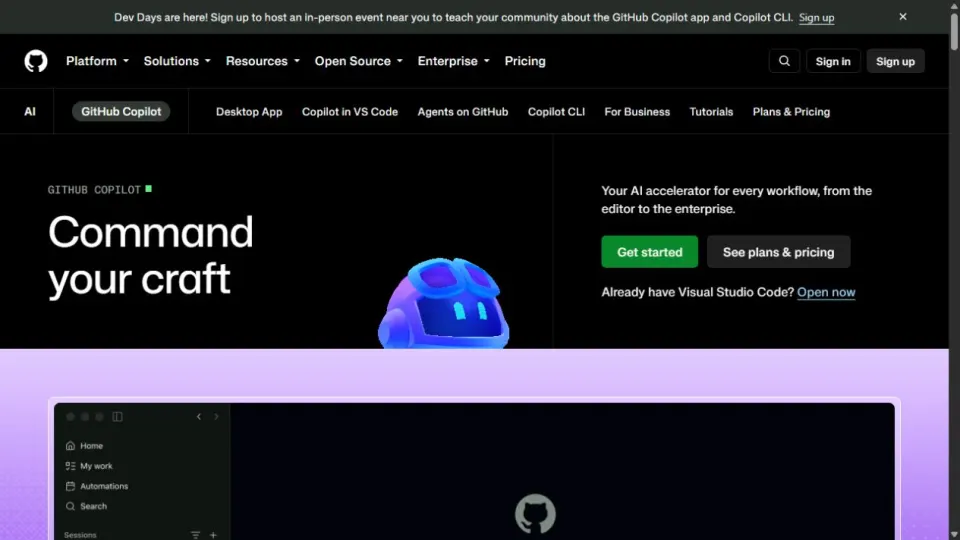
For code, GitHub Copilot is the most practical free AI tool for developers because it sits inside the coding workflow instead of requiring every problem to be pasted into a general chatbot. Copilot Free currently includes 2,000 code completions and 50 chat requests—including Copilot Edits—per month, with access to a selection of models and no credit card required.
What you can do for free: autocomplete repetitive code, explain an unfamiliar function, generate tests, suggest a focused edit, translate a small routine, and ask repository-aware questions within the available context. To stretch the allowance, write a useful function name and comment before accepting completions, and combine related questions into one well-scoped chat request.
Where the wall appears: 50 chats disappear quickly if you treat Copilot like an unlimited agent, and 2,000 completions are not enough for continuous use by a full-time developer. More autonomous workflows, model choice, code review, and unlimited completion access depend on higher plans.
Free-plan verdict: enough to learn the workflow or assist an occasional coding project, not enough to outsource engineering judgment. Run tests and review security-sensitive changes. See GitHub Copilot plans.
11. ElevenLabs — best free AI tool for voice and audio experiments

 ElevenLabsBest for voice and audio experimentsView tool details →
ElevenLabs gives non-audio specialists a fast way to prototype narration, transcribe speech, create sound effects, design voices, and test music or studio projects. The Free plan includes 10,000 credits per month shared across its products and three Studio projects.
What you can do for free: audition voices for an internal presentation, make a short personal narration, transcribe a brief recording, explore sound effects, or prototype how a script will sound before paying for production. Credit costs vary: text-to-speech may consume around one credit per character depending on the model, while transcription, music, dubbing, and audio processing use different rates.
Where the wall appears: the most important restriction is rights, not only volume. ElevenLabs lists a commercial license as a Starter-plan benefit, so do not assume free output is licensed for a paid client project, advertisement, product, or monetized channel. Voice cloning also requires proper consent and a paid tier.
Free-plan verdict: excellent for testing an audio concept and internal or personal prototypes; upgrade before commercial production. Check ElevenLabs pricing and rights.
Four workflows you can complete with free AI tools
Workflow 1: From open-web research to a reliable brief
- Use Perplexity to map the topic and collect primary sources.
- Open the citations, reject weak or circular sources, and save the final documents and URLs.
- Add that evidence to NotebookLM and ask it to compare claims, identify disagreements, and cite the relevant source passages.
- Draft the brief in Claude or ChatGPT using only the verified notes.
- Run the final copy through Grammarly, then verify every number, quote, and recommendation yourself.
This sequence separates discovery from evidence review and writing. That is safer than asking one chatbot to search, interpret, and publish in a single prompt.
Workflow 2: From meeting to action plan
- Record the meeting with MeetGeek after receiving participant consent.
- Review the transcript around every decision; correct names, dates, and technical terms.
- Ask MeetGeek for decisions, owners, deadlines, risks, and unanswered questions.
- Use Microsoft Copilot, Gemini, or ChatGPT to reshape the approved notes into an email and project checklist.
- Move tasks into your normal system. Do not leave the meeting assistant as the only record.
From idea to presentation and narration: workflow 3
- Use ChatGPT or Claude to define the audience, one-sentence message, and slide outline.
- Build the deck in Canva, choosing free templates and assets only.
- Replace vague AI copy with evidence, concrete examples, and your organization’s language.
- Use ElevenLabs to prototype a short narration if the use is permitted under the free-plan terms.
- Export the deck and test it on another device before presenting.
Workflow 4: From bug report to reviewed code change
- Write a reproducible bug report with expected result, actual result, environment, and smallest failing example.
- Ask GitHub Copilot to explain the relevant code before requesting a change.
- Request one focused patch and the tests that should fail before it and pass afterward.
- Review the diff line by line, run the full relevant test suite, and check logs and security implications.
- Use a general assistant only for a second explanation—not as proof that the code is correct.
When should you upgrade from free AI tools?
Do not upgrade because a banner says a premium model is smarter. Upgrade when a measurable bottleneck costs more than the subscription.
| Stay on free when… | Consider paying when… |
|---|---|
| You use AI for short, non-urgent tasks | Limits interrupt paid work every week |
| You can switch between two general assistants | Consistency and saved project context matter more than flexibility |
| Manual exports are acceptable | Integrations or automation would remove repeated admin work |
| You are testing a workflow or learning the product | The workflow is proven and saves a measurable number of hours |
| Outputs are personal, internal, or within free-plan rights | You need commercial licensing, governance, or contractual protection |
| Your data is public or safely sanitized | Your organization needs admin controls, retention rules, SSO, or no-training commitments |
A simple calculation helps: track limit interruptions for one month. If a $20 plan would recover two billable hours or prevent one missed deadline, the upgrade may be rational. If you only hit a cap once because of experimentation, keep the free plan and change the workflow.
Privacy rules for using free AI tools at work
A free account is not automatically appropriate for company, client, medical, legal, financial, or regulated information. Consumer and business plans may have different data controls even when they use the same product name.
- Follow your employer’s approved-tool and data-classification policy.
- Remove names, account numbers, credentials, confidential figures, and identifying details where possible.
- Do not upload a full document when a short sanitized excerpt will answer the question.
- Review training, retention, deletion, sharing, and region settings for the exact account you use.
- Obtain consent before recording or transcribing a meeting; laws vary by location.
- Verify important output against the original source, a test, or a qualified human reviewer.
The cheapest AI mistake is the one you prevent before pasting the data. Free productivity is valuable; accidental disclosure is not.
Frequently asked questions
What is the best completely free AI tool for work?
ChatGPT is the best general starting point because its free plan covers writing, web search, files, data, images, and everyday questions. “Completely free” still includes tool-specific usage limits. For research, Perplexity plus NotebookLM is a stronger combination than any single general chatbot.
Can I use free AI tools for commercial work?
Sometimes, but never assume every free output has the same rights. Check the current terms for the specific feature and plan. ElevenLabs, for example, lists a commercial license as a paid Starter benefit. Stock assets, templates, voices, models, and uploaded third-party material can each introduce separate restrictions.
Which free AI tools do not require a credit card?
Most free plans in this guide can be opened without a credit card, including ChatGPT, Claude, Gemini, Perplexity, NotebookLM, Microsoft Copilot, Canva, Grammarly, MeetGeek, GitHub Copilot Free, and ElevenLabs Free. A vendor may still require account verification, impose regional rules, or change signup requirements.
What is the best free AI tool for office documents?
Claude is excellent for drafting and revising substantial text, while ChatGPT is more versatile across documents and data. NotebookLM is preferable when answers must stay grounded in a controlled source set. Microsoft Copilot’s free chat is useful, but the deepest assistance inside Word, Excel, PowerPoint, Outlook, and Teams requires an eligible paid Microsoft 365 experience.
What is the best free AI research tool?
Use Perplexity to discover current web sources and NotebookLM to analyze the sources you approve. Perplexity exposes citations; NotebookLM keeps the conversation grounded in your selected material. Always open the original evidence before publishing a claim.
Can a small business work entirely with free AI plans?
A small team can run many occasional workflows for free, especially research, drafting, design prototypes, a few recorded meetings, and limited coding. Payment becomes sensible when usage is frequent, shared administration matters, integrations save repeated labor, commercial rights are required, or company data needs stronger contractual controls.
Free AI tools: our final recommendation
Start with a three-part stack rather than eleven new accounts: choose one general assistant (ChatGPT, Claude, Gemini, or Microsoft Copilot), one evidence tool (Perplexity or NotebookLM), and one output tool suited to your work (Canva, Grammarly, MeetGeek, GitHub Copilot, or ElevenLabs).
Run one real task from beginning to end and note where time was saved, where a limit interrupted you, and what still required human judgment. The best free AI toolkit is not the one with the most products. It is the smallest stack that reliably completes your work without creating a new problem in cost, privacy, accuracy, or rights.