
Trying to get more interviews? Start with the part of your job search that is actually failing. Choose JobStep if you need an ATS-friendly resume and a complete application workspace. Choose JobOwl if you already have a resume but need to tailor it to each job description. Choose LoopCV if your documents are ready and you want to automate repetitive job discovery and supported applications.
Most lists of AI job-search tools start with features. Job seekers start somewhere else: Why am I not getting interviews? Is my resume passing ATS screening? Do I really need to rewrite it for every position? Can I apply automatically without damaging my chances?
This guide compares three core job-search tools—JobStep, JobOwl, and LoopCV—and one supporting writing tool, QuillBot. They are not interchangeable. One helps build and organize the application, one specializes in tailoring it, one automates more of the search and submission process, and QuillBot helps polish the final wording.
Features and public prices were verified from official product pages on September 8, 2026. Plans can change, so confirm the final price and allowance before paying.
Choose your AI job-search tool in 30 seconds
If you have sent applications but receive few or no interviews: begin with JobStep. Its resume score, ATS-friendly builder, role-specific tailoring, cover letters, matching, and tracker help you inspect the whole application process before you increase volume.
If you find suitable jobs but your resume still feels generic: begin with JobOwl. Its main job is to compare your existing resume with a specific job description, surface relevant experience, and prepare a tailored draft and cover letter.
If your application is accurate but the writing still feels awkward or wordy: use QuillBot as a final editing layer for grammar, clarity, tone, and phrasing. It does not replace an ATS builder, job search, or application tracker.
If your resume is strong but searching and completing forms consumes your day: evaluate LoopCV. It can run recurring job searches, use filters and exclusions, support automatic or reviewed applications, contact recruiters, and track results.
| Your situation | Start with | Why | Do not expect |
|---|---|---|---|
| I need to create or repair my resume | JobStep | ATS guidance, resume builder, tailoring, cover letters, and tracking | A score that guarantees interviews |
| I need a different resume for each target role | JobOwl | Focused resume-to-job-description tailoring | Job discovery or automatic applications |
| I spend too long finding and applying to similar jobs | LoopCV | Recurring searches, filters, applications, outreach, and tracking | Perfect relevance without careful setup |
| I am unsure whether my resume or search strategy is the problem | JobStep first | It covers more stages of the application workflow | A replacement for networking and interview preparation |
The questions you should answer before using any AI job-search tool
A useful tool should solve a measurable problem. Before subscribing, answer these questions:
- Is my resume readable by an ATS? Check structure, standard section headings, dates, file type, and role-relevant language.
- Does my resume show evidence for this exact role? A generic career history is not the same as a targeted application.
- Can the tool tailor without inventing experience? Every skill, metric, employer, qualification, and achievement must remain true.
- Does it create a useful cover letter? The letter should connect your evidence to the employer’s need, not repeat the resume.
- Can I review before submitting? This is essential for screening questions, salary, location, work authorization, and high-priority roles.
- What does “free” really include? Look for limits on resumes, searches, job boards, applications, AI checks, exports, and emails.
- What will I pay for the workflow I need? A low headline price is irrelevant if the useful feature sits on another plan.
- How is my personal data handled? A resume contains contact details, employment history, education, and sometimes sensitive information.
- Will automation improve quality or only volume? More applications can be helpful only when the target and information are accurate.
- How will I measure success? Track relevant applications, replies, interviews, and time saved—not only how many forms were submitted.
JobStep vs JobOwl vs LoopCV: quick comparison
| What matters | JobStep | JobOwl | LoopCV |
|---|---|---|---|
| Best for | A complete, guided job-application workspace | Tailoring an existing resume to a specific job | Automating job discovery and supported applications |
| ATS help | Resume score and ATS-friendly templates | ATS-friendly role-specific tailoring | AI CV checks plus application workflow |
| Resume tailoring | Yes | Core strength | Not the main reason to choose it |
| Cover letters | Yes | Yes on Pro | Not its central workflow |
| Job search | Job matching | No dedicated discovery workflow | Recurring searches across supported sources |
| Auto-apply | No mass-application focus | No | Yes for supported applications, with review options |
| Tracking | Application tracker | Document history | Applications and responses |
| Free option | Yes | Three tailored resumes | Limited search, applications/emails, boards, and CV checks |
| Paid entry shown publicly | From €8.95/month on the quarterly offer | $24.99/month | From €9.99/month on the standard monthly offer |
| Main risk | Optimizing for a score instead of a human reader | Accepting rewritten claims without verification | Sending low-fit or inaccurate applications at scale |
JobStep: best for building an ATS resume and organizing the full application
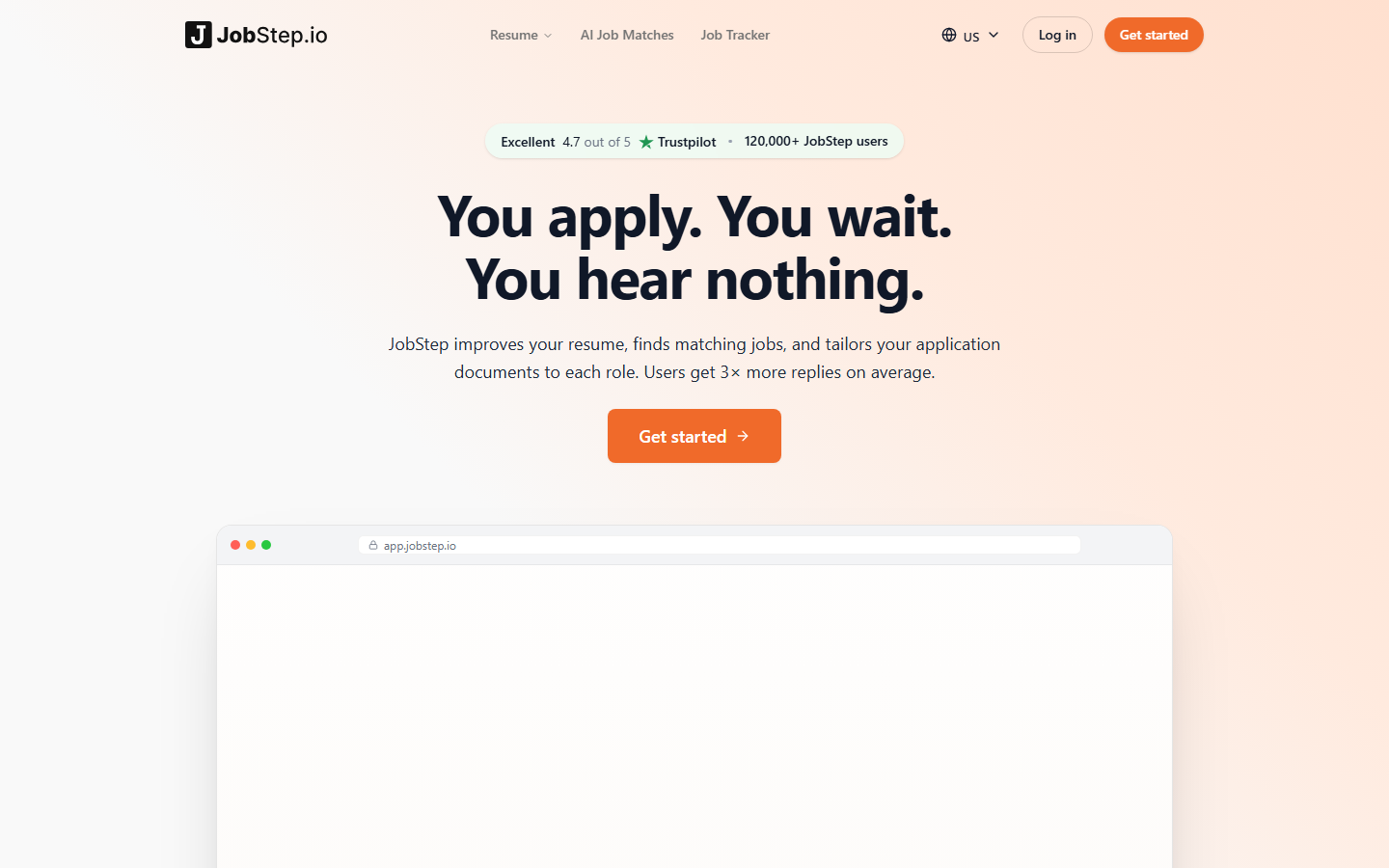
 JobStepBuild, tailor, and track applications in one placeSee JobStep details →
JobStep makes the most sense when you do not want five disconnected tools. Its public product pages combine an AI resume builder, ATS-friendly templates, resume scoring, role-specific tailoring, cover letters, job matching, and an application tracker.
Imagine you have applied to 20 relevant jobs and received no interviews. Applying to another 100 with the same document may repeat the problem. JobStep gives you a place to inspect the resume first: Is the format readable? Does the top half show evidence relevant to the role? Are important skills missing because they are absent from your experience, or simply buried in the wrong section?
What you can do with JobStep
- Build a clean resume using ATS-oriented templates.
- Check and improve the resume before sending more applications.
- Create role-specific versions instead of one document for every employer.
- Prepare cover letters connected to the same application.
- Find matching opportunities and keep applications organized.
Who should choose JobStep?
Choose it if you are a new graduate, changing careers, rebuilding an outdated resume, or struggling to understand why relevant applications receive no response. It is also the best of these three for someone who wants one guided system instead of separate tools for the resume, cover letter, and tracker.
What to check before paying
Do not chase the highest possible resume score by adding every keyword. Keep only skills you actually possess and can discuss in an interview. The public pricing currently shows a free option, a quarterly offer equivalent to €8.95 per month, and a monthly option at €19.99. Verify the billing period and current checkout terms.
Best next step: review JobStep’s features, pricing, FAQs, pros, and cons. If it fits your situation, the Visit Tool button on that page opens the current partner offer.
JobOwl: best for tailoring your resume to each job description

 JobOwlTurn a master resume into a role-specific applicationSee JobOwl details →
JobOwl starts with two things: your existing resume and the job description you want to target. It can help reorder skills, rewrite relevant bullets, introduce appropriate keywords naturally, and prepare a matching cover letter.
This is valuable because recruiters do not only ask, “Is this person qualified?” They also ask, “Is the evidence easy to find?” A project-management role may care about delivery, stakeholders, budgets, and risks. A product role may care about discovery, adoption, experimentation, and business results. Your experience can be genuine in both cases while the most relevant evidence changes.
What you can do with JobOwl
- Compare your resume with one real job description.
- Move the most relevant skills and accomplishments into clearer positions.
- Rewrite weak bullets while preserving the facts.
- Create a separate resume version for each priority role.
- Generate a cover-letter draft that supports the same story.
Who should choose JobOwl?
Choose it if you already find the right openings but your resume feels generic, unfocused, or disconnected from the requirements. It is particularly useful for selective applications where spending more time on five strong matches is better than sending one unchanged resume to fifty employers.
What to check before paying
Read every rewritten line. AI can make a bullet sound stronger while subtly changing its meaning. Restore the correct scope, metric, team size, technology, or ownership whenever needed. JobOwl’s Starter offer currently includes three tailored resumes without requiring a credit card. Pro is publicly listed at $24.99 per month and includes unlimited tailored resumes and cover letters.
Best next step: review JobOwl’s plan limits, tailoring workflow, FAQs, pros, and cons, then test one important job description before considering Pro.
LoopCV: best for automating job discovery and repetitive applications
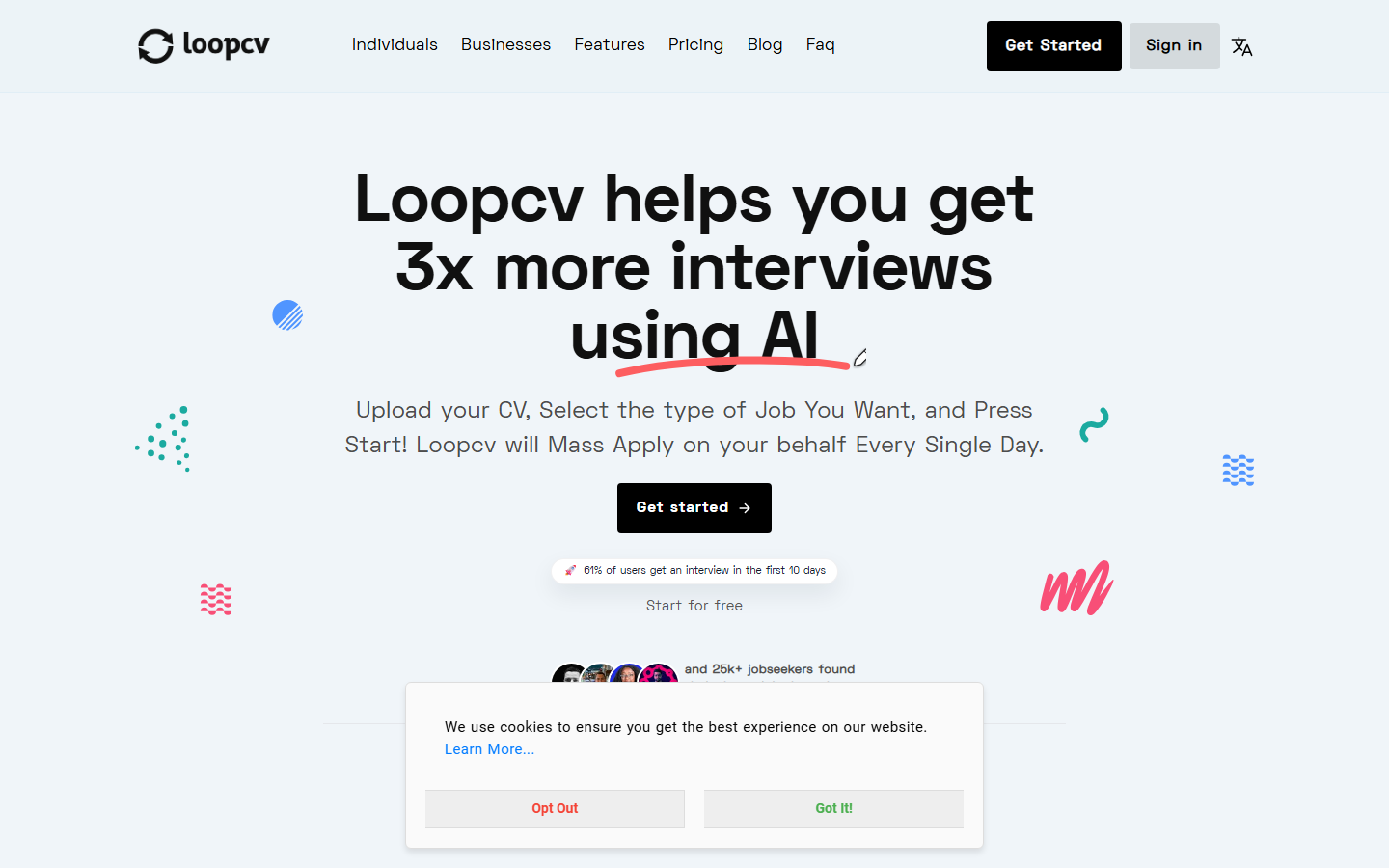
 LoopCVSearch, filter, apply, and track with less repetitionSee LoopCV details →
LoopCV is for the candidate who already knows what they want. You define job titles, locations, keywords, seniority, companies to exclude, and other filters. A “Loop” then searches supported sources for matching vacancies. Depending on your settings and plan, LoopCV can present jobs for review, submit supported applications, send recruiter emails, and track activity and responses.
That can save meaningful time. It can also multiply a bad setup. If “marketing” is your only keyword, the results may mix internships, executives, sales roles, agencies, and unrelated specialties. If your profile contains an old location or an inaccurate answer, automation can repeat it across applications.
What you can do with LoopCV
- Run recurring searches for clearly defined target roles.
- Use keywords, locations, and company exclusions to reduce noise.
- Review opportunities manually or automate supported applications.
- Send personalized recruiter outreach in supported workflows.
- Track applications and responses instead of relying on memory.
Who should choose LoopCV?
Choose it if your resume and profile are already accurate, your target role is specific, and repeated searching or form-filling is the real bottleneck. It is a weaker fit if you are still deciding which career to pursue or if every target application requires extensive written answers.
What to check before paying
Begin with one narrow Loop and manual review. Inspect the relevance of the first results before increasing volume. The public free plan currently includes one job-title search per month, up to ten applications or emails per month, three job boards, a browser extension, and two AI CV checks. The standard monthly paid offer starts at €9.99; longer billing offers may show a lower monthly equivalent.
Best next step: review LoopCV’s automation limits, pricing, FAQs, pros, and cons. Only enable automatic submission after testing your filters and profile in review mode.
QuillBot: best as a final writing and clarity check

 QuillBotPolish grammar, clarity, tone, and phrasingSee QuillBot details →
QuillBot is not a job board, an ATS resume builder, or an auto-apply platform. It is a supporting writing toolkit for polishing accurate resume bullets, cover letters, LinkedIn summaries, and recruiter emails after the underlying experience and facts are already in place.
This distinction matters. A clearer sentence can help a recruiter find the evidence faster, but rewriting cannot create qualifications you do not have. Use the tool to remove errors, shorten wordy passages, and test alternative phrasing—not to invent achievements or disguise inaccurate claims.
What you can do with QuillBot
- Check grammar, spelling, punctuation, clarity, and fluency.
- Tighten long resume bullets without changing the underlying facts.
- Compare alternative phrasing when a sentence sounds repetitive or vague.
- Review tone before sending a cover letter or recruiter email.
- Work through browser and document integrations when they fit your workflow.
Who should choose QuillBot?
Choose it when the structure and evidence in your application are already strong, but English clarity, concision, or tone is slowing you down. It can be particularly helpful for non-native English speakers and anyone preparing several role-specific cover letters or outreach messages.
Where QuillBot falls short
It cannot judge whether your experience is relevant enough for a role, verify that a claim is true, or replace a careful human review. Paraphrasing can also remove useful specificity or make a sentence sound less like you. Compare every revision with the original and keep the version that is both clearer and accurate.
Free vs Premium
The free version includes grammar checking and limited paraphrasing. Premium expands the paraphrasing modes and limits and adds more advanced writing recommendations and other review tools. Prices and currencies are localized, so confirm the live checkout price and billing period before subscribing.
Best next step: review QuillBot’s plan limits, writing and tailoring workflow, FAQs, pros, and cons, then run one finished resume section and one cover-letter paragraph through QuillBot. Accept only changes that preserve your meaning, facts, and personal voice.
Can these tools help your resume pass ATS screening?
They can help make a resume more readable and relevant, but no responsible tool can promise that you will “beat” every ATS. Employers use different systems, settings, knockout questions, ranking rules, and human review processes.
JobStep is the strongest choice here for a guided ATS-oriented build and score. JobOwl is stronger when you need to tailor the evidence to one job description. LoopCV includes CV checks, but its main value is search and application automation.
Use this five-point check before exporting:
- Standard headings such as Experience, Education, and Skills.
- Clear dates, employers, job titles, and locations.
- Relevant terminology used naturally—not copied blindly.
- Specific achievements that remain completely accurate.
- A format and file type accepted by the employer.
Does auto-apply actually work?
It works at reducing repeated searching and form entry. It does not automatically make a candidate more qualified or an application more persuasive. The outcome depends heavily on targeting.
Auto-apply is most useful when: the role is clearly defined, the candidate matches the essential requirements, the resume is ready, the application is straightforward, and the tool allows useful filters or manual review.
Manual review is better when: the role is a top priority, the application asks written questions, compensation or relocation needs judgment, work authorization is complex, a portfolio must be selected, or the company requests detailed examples.
A good strategy is not “manual or automatic.” It is a two-lane system: automate suitable lower-friction applications, and personally prepare the roles you care about most.
Free vs paid: when is upgrading worth it?
Do not subscribe because a tool produced an impressive first draft. Upgrade when the free limit blocks a workflow that is already helping you.
- Pay for JobStep when you are actively applying and repeatedly use the connected resume, tailoring, cover-letter, and tracking workflow.
- Pay for JobOwl when three free tailored resumes are not enough and role-specific documents are improving the quality or speed of your applications.
- Pay for LoopCV when the free search and application limits are too small, your first Loop is producing relevant results, and automation is saving time without lowering quality.
Cancel or change your approach if the tool increases output but not relevant replies. The metric that matters is not documents generated or applications sent. It is qualified conversations created per hour and per dollar spent.
The job-search workflow we recommend
- Define one target. Choose a role family, seniority level, location, and realistic requirements.
- Build a truthful master resume. JobStep is the strongest option of these three for this stage.
- Select high-fit vacancies. Separate priority roles from routine applications.
- Tailor the priority applications. Use JobOwl or JobStep, then verify every line yourself.
- Polish clarity and tone. Use QuillBot only after the content is truthful and role-specific.
- Automate repeatable searching. Use LoopCV with narrow filters and review mode first.
- Track the version and outcome. Record which resume went to which company and whether it produced a reply.
- Review after 15–20 relevant applications. If there are no replies, improve the target and evidence before increasing volume.
Final recommendation
Choose JobStep first if you are unsure where your application process is failing. It covers the broadest path from resume creation to tracking. Choose JobOwl when you have found a strong vacancy and need your resume to show the right evidence quickly. Choose LoopCV when your application materials are ready and you want to remove repetitive search and submission work.
Add QuillBot when the application is already accurate and relevant but needs a final language edit. It complements the three core tools; it does not replace their resume-building, tailoring, discovery, or tracking workflows.
The tools can also fit into one sequence: build and check the foundation, tailor the applications that deserve extra attention, and automate only the repetitive parts. You do not need to buy all three. Start with the bottleneck you can identify and test the free option before upgrading.
Frequently asked questions
What is the best AI job-search tool in 2026?
JobStep is the best overall starting point for most job seekers because it combines ATS resume support, tailoring, cover letters, job matching, and application tracking. JobOwl is better for focused resume tailoring, while LoopCV is better for job-search automation.
Which tool is best if my resume gets no responses?
Start with JobStep to inspect the resume structure, ATS readiness, relevance, and application organization. If the base resume is already strong but too generic for each role, test JobOwl with a specific job description.
Can AI tailor my resume without lying?
Yes, if you use it to select, reorder, and clarify experience you genuinely have. Do not accept invented skills, metrics, responsibilities, qualifications, or job titles. You remain responsible for the final document.
Can employers detect an AI-written resume?
Employers may notice generic language, vague achievements, repeated phrases, or claims the candidate cannot explain. The safer goal is not to “hide AI”; it is to use AI as an editor while keeping the content factual, specific, and in your own voice.
Is there a free AI resume builder?
JobStep offers a free starting option. JobOwl’s Starter plan currently includes three tailored resumes without a credit card. Free limits and export rules can change, so check the current plan before investing time in a workflow.
Which tool can write a cover letter?
JobStep includes cover letters within its broader application workflow. JobOwl includes unlimited cover letters on its current Pro plan. QuillBot is better used to edit and polish a draft than to decide which evidence belongs in it. Always personalize the opening, employer context, evidence, and closing before sending.
Can QuillBot improve a resume?
It can improve grammar, clarity, concision, and tone in an existing resume. It cannot verify your experience, choose the right evidence for a vacancy, or guarantee ATS results. Review every suggestion and keep measurable details and role-specific keywords intact.
Can LoopCV apply to jobs automatically?
LoopCV supports automatic submission for compatible applications as well as review-based workflows. Coverage varies, and users should verify profile information, screening answers, target filters, and job-board requirements before enabling automation.
Is auto-applying safe?
It can be useful with accurate information, narrow targeting, and active monitoring. It becomes risky when the search is broad, the profile is outdated, or the application contains questions that require personal judgment.
Do AI job-search tools guarantee interviews or employment?
No. They can improve organization, reduce repetitive work, and help tailor a truthful application. Hiring still depends on qualifications, role fit, evidence, timing, competition, recruiter review, interviews, and employer decisions.
Should I use all three tools?
Usually not. Start with one tool that solves your main bottleneck. JobStep covers the broadest workflow, JobOwl specializes in tailored documents, and LoopCV specializes in discovery and application automation.